
Release an order to production
An order has to be Accepted and have an estimated ship date before you can release it. See Accept an order.
Set the estimated ship date
Section titled “Set the estimated ship date”- Open the order and select the Details tab.
- On the Order & Fulfillment card, select Edit.
- Choose a date in Estimated ship date.
- Select Save.
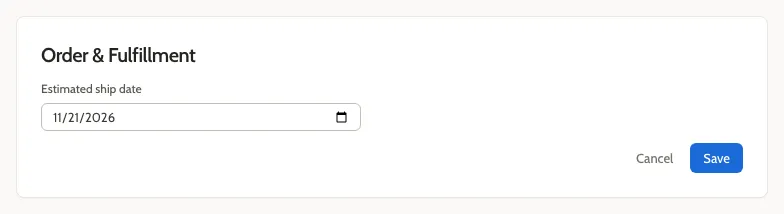
You can change the date as many times as you like while the order is Accepted. After you release the order, the date is locked.
Release the order
Section titled “Release the order”Select Release to Production.
The status changes to In Production.
If you see “Not ready”
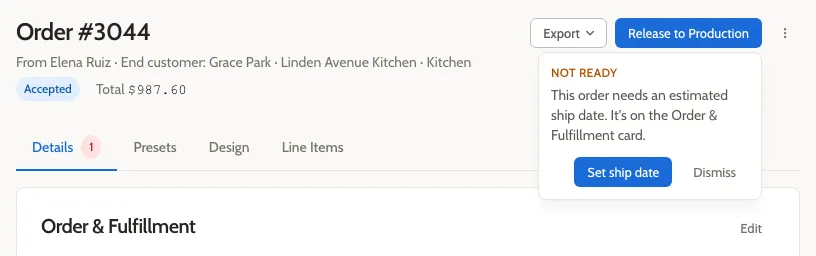
Section titled “If you see “Not ready””If you select Release to Production before setting a ship date, Mattersmith shows a Not ready message. Select Set ship date to jump to the Order & Fulfillment card, then select Edit and choose the date.
Related
Section titled “Related”- Mark an order as staged or shipped for the next steps.
- Why a ship date is required