Delete a line item
You can delete line items while the order is a Quote, if you created it or it’s shared with your team.
- On the Line Items tab, select the trash can icon in the line item’s row (Delete line item).
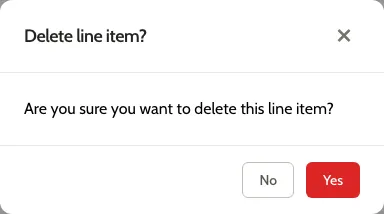
- In Delete line item?, select Yes.
The line item is removed, the lines after it renumber, and the Order Summary subtotal updates.
A line item placed in the Room Planner has no trash can icon. Delete the cabinet on the Design tab instead; see Place and arrange cabinets.
To throw away a new row you haven’t saved yet, see Discard a new row.