Mark an order as staged or shipped
Mark an order as staged
Section titled “Mark an order as staged”When an order that’s In Production is built and ready to ship, open it and select Mark as Staged.
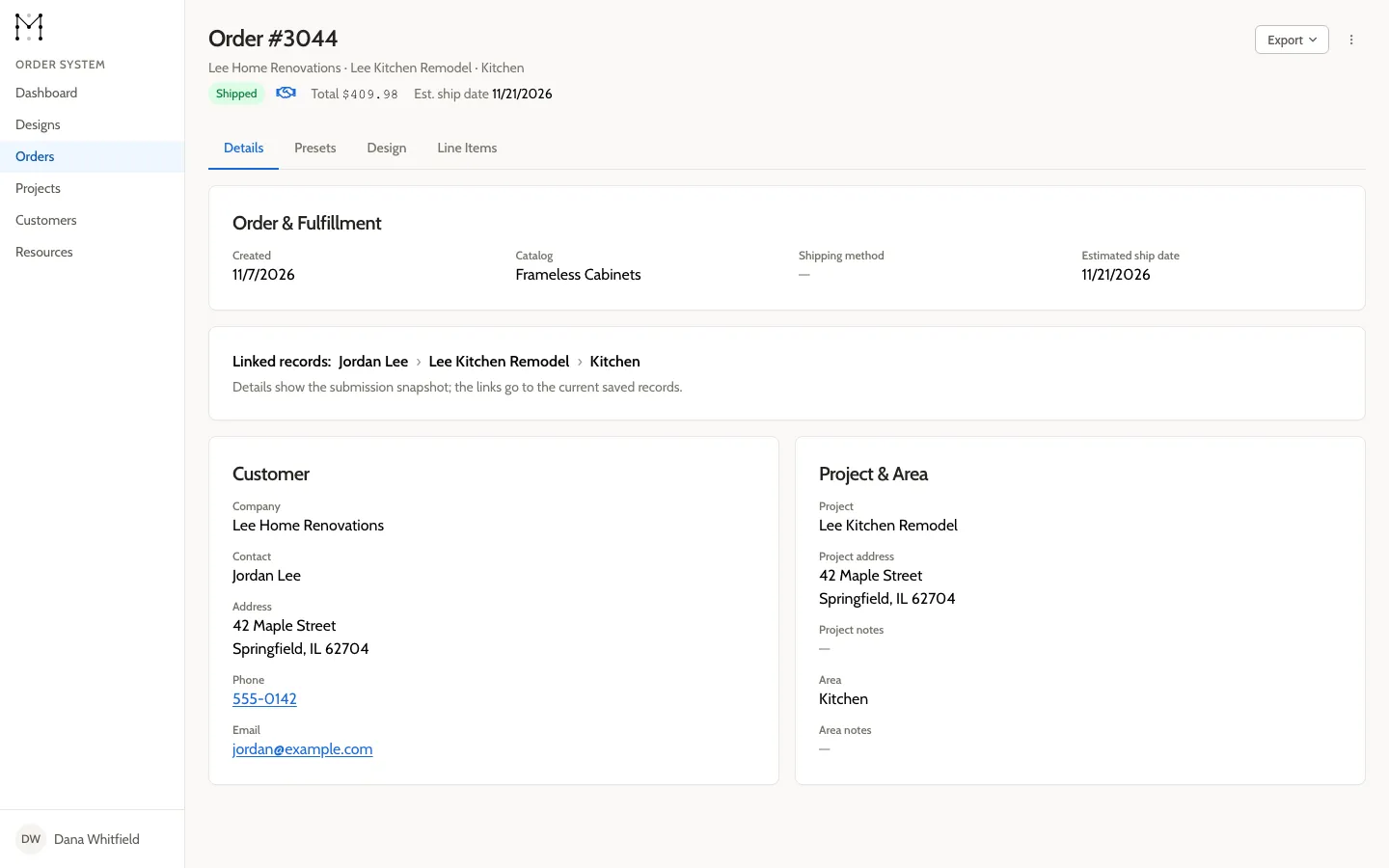
The status changes to Staged.
Mark an order as shipped
Section titled “Mark an order as shipped”When a Staged order leaves your shop, open it and select Mark as Shipped.
The status changes to Shipped. This is its final status.